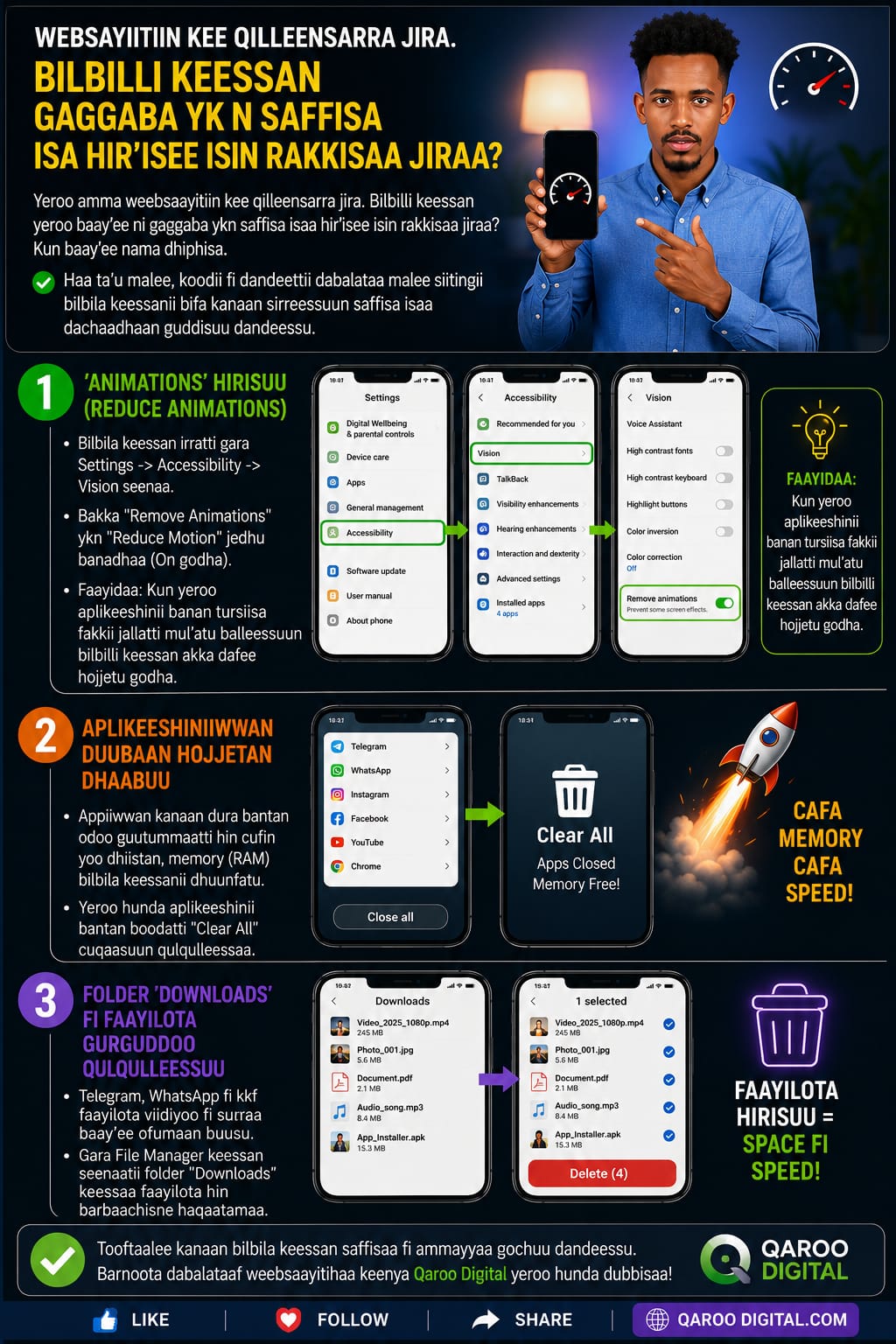
Yeroo amma weebsaayitiin kee qilleensarra jira. Bilbilli keessan yeroo baay'ee ni gaggaba ykn saffisa isaa hir'isee isin rakkisaa jiraa? Kun baay'ee nama dhiphisa. Haa ta'u malee, koodii fi dandeettii dabalataa malee siitingii bilbila keessanii bifa kanaan sirreessuun saffisa isaa dachaadhaan guddisuu dandeessu.
- 🚀 1. 'Animations' Hir'isuu (Reduce Animations)
- Bilbila keessan irratti gara Settings -> Accessibility -> Vision seenaa.
- Bakka "Remove Animations" ykn "Reduce Motion" jedhu banadhaa (On godha).
- Faayidaa: Kun yeroo aplikeeshinii banan tursiisa fakkii jallatti mul'atu balleessuun bilbilli keessan akka dafee hojjetu godha.
- 🔄 2. Aplikeeshiniiwwan Duubaan Hojjetan Dhaabuu
- Appiiwwan kanaan dura bantan odoo guutummaatti hin cufin yoo dhiistan, memory (RAM) bilbila keessanii dhuunfatu.
- Yeroo hunda aplikeeshinii bantan boodatti 'Clear All' cuqaasuun qulqulleessaa.
- 💾 3. Folder 'Downloads' Fi Faayilota Gurguddoo Qulqulleessuu
- Telegram, WhatsApp fi kkf faayilota viidiyoo fi suuraa baay'ee ofumaan buusu.
- Gara File Manager keessan seenaatii folder "Downloads" keessaa faayilota hin barbaachisne haqaatamaa.
- Tooftaalee kanaan bilbila keessan saffisaa fi ammayyaa gochuu dandeessu. Barnoota dabalataaf weebsaayitihaa keenya Qaroo Digital yeroo hunda dubbisaa!